

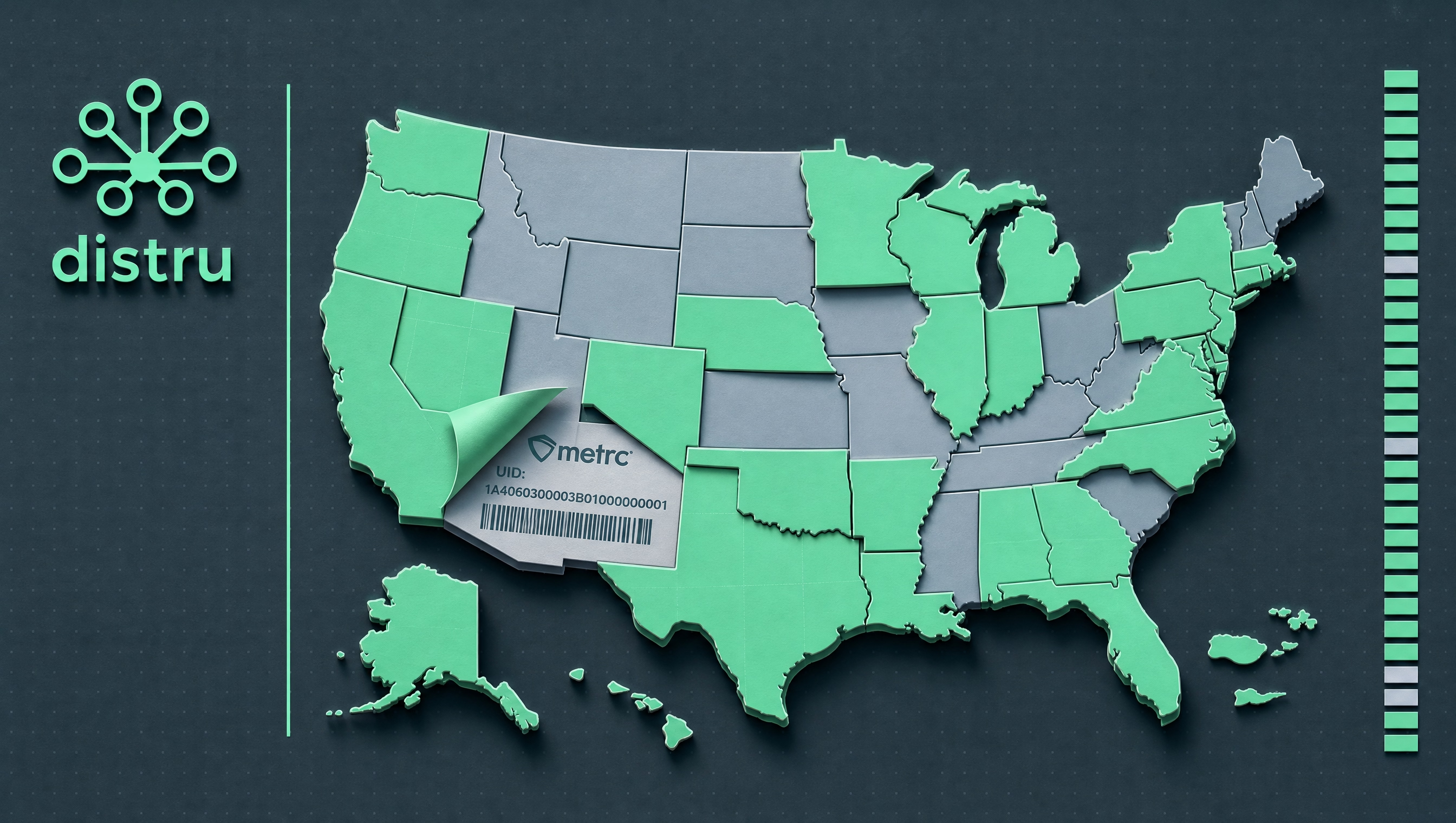
You got your second state license. Maybe your third. And now you've got teams in Colorado, Michigan, and New Jersey each running their own Metrc accounts, each operating under their own state rules, each doing their own compliance reporting.
That's how it's supposed to work. Each state is its own separate environment, and each team operates within it independently. The problem isn't managing one state. The problem is that leadership has no way to see across all of them at once.
Here's the thing: Metrc gives you compliance. It doesn't give you visibility. Your Michigan team knows how Michigan is performing. Your Colorado team knows Colorado. But if you're trying to understand how your whole operation is doing, you're back to chasing people for reports and stitching spreadsheets together.
This guide walks through how to set up Metrc integration across multiple states the right way, so your teams can run their state operations cleanly and your leadership can actually see the full picture.

How Multi-State Metrc Accounts Actually Work
First, the basics. Metrc (Marijuana Enforcement Tracking Reporting and Compliance) operates in 30+ regulated markets nationwide. But each state is its own separate environment. That means:
- A separate Metrc account for each state you operate in
- Separate license credentials per state
- Separate API keys issued by each state's licensing authority
- State-specific rules that govern what you track, how you report it, and what triggers a compliance event
That last point matters more than most operators realize. Transfer manifest requirements in California look different from those in Michigan. Waste reporting triggers in Illinois aren't the same as in Colorado. Assuming your SOP is portable is one of the most common mistakes cannabis MSOs make.
One of the biggest compliance events in recent memory: New York completed its migration from BioTrack to Metrc in early 2026, becoming the latest major state to require full Metrc reporting. If you operate in New York, that wasn't optional. It was a forced transition with a hard deadline.

Step 1: Get Credentialed in Each State
Before your software can do anything, you need the right credentials. Each state issues its own API keys tied to your specific license. You can't use a Colorado API key in Nevada. The process looks like this:
- Apply for your license in the new state
- Once approved, request API access through that state's Metrc portal
- Generate API keys specific to that license
- Pass those keys to your software vendor for integration
One thing that saves a lot of headaches: build a credential tracking document before you expand. State, license number, API key, expiration date, and the contact at the licensing authority. It sounds basic. You'll thank yourself when you're adding a fourth state and can't remember who issued what.
How to Structure Your Distru Setup Across States
Credentialing is the compliance layer. This is the operational layer. Here's how to structure Distru so each state team can work independently and leadership can see across all of them.
One Distru account per state is the right architecture. Each state's regulations differ, so Distru has to be configured to reflect those differences at the account level. That's not a limitation. It's how it's supposed to work. Each state team operates in an environment built around their actual state rules, with separate views of data: sales by category by store, inventory by location, compliance reporting by state.
Billing doesn't have to be complicated. Running three states doesn't mean three separate invoices or three separate negotiations. It all goes on one Distru bill. The more states you bring on together, the better your overall deal.

Transfers between licenses still go through Metrc first. If you have multiple licenses synced to your Distru account, inter-license transfers have to be initiated directly in Metrc. Once you create the outgoing transfer in Metrc and accept it on the receiving license, Distru automatically updates the package status and moves it to the correct intake location. You don't have to manually sync it. Here's how that process works in detail.
User access needs to be set up per state. When adding new states to Distru, each user needs to accept invite emails to create separate logins for each state account. Once those accounts are active, your system administrator can enable the multi-account toggle so team members can move between state dashboards without logging out and back in.
Personal Metrc API keys are easy to miss. Some Metrc activities are tied to individual users, not just company accounts. Each person performing Metrc-related actions needs to add their personal Metrc API key in their Distru profile (Settings > Integrations > Metrc). It's a one-time setup, but skipping it during onboarding causes bottlenecks that are annoying to diagnose later.
Step 2: Map Your Workflow Differences by State
Don't assume your Colorado SOP translates to California. Before you go live in a new state, map out where the rules diverge. Common differences:
- Transfer manifest requirements: some states require manifests to be created a certain number of hours before departure; others don't
- Package tag formats: character limits and formats vary by state
- Waste reporting triggers: what counts as waste, when it must be reported, and what documentation is required
- BioTrack vs. Metrc states: if you're entering a BioTrack state, you need a completely different integration, not just a different API key
This isn't a step you can skip. One operator we know assumed Nevada worked like California. It doesn't. They spent two weeks untangling compliance discrepancies before their first transfer could move.
Step 3: Connect a Validated Integrator
This is where it usually breaks down for multi-state operators.
Metrc validates software integrators. Over 500 of them are on that list. Validated means Metrc has certified the integration meets their technical requirements. Not all cannabis software is validated. Some claim Metrc compatibility but are running workarounds that create gaps in your audit trail.
The real question isn't "does it integrate?" It's "how does it integrate?"
Lagged sync vs. real-time sync. A lagged integration pushes updates to Metrc on a schedule: every 15 minutes, every hour, or triggered manually. A real-time integration syncs continuously. If a state inspector drops by unannounced, lagged sync means your Metrc records might not match your physical inventory at that exact moment. That's a problem that can turn a routine visit into a compliance event.
Distru has the #1 Metrc integration in the industry. It syncs two-way at 3 to 40 pings per second and automates daily manifests. Most wholesale platforms require manual transfer matching. Distru handles it for you, so your team gets alerted when something needs attention, not after it's already behind.
Outage handling. Metrc goes down. It's not common, but it happens. Does your operation stop when it does? With the wrong integration, everyone waits. With Distru, your team keeps working. A browser extension lets you continue recording all Metrc-related activity inside Distru during the outage. Once Metrc comes back online, Distru automatically syncs everything. No data loss, no compliance gap, no missed beat. That's true for every state Distru operates in, not just one.
Managing multiple states means multiple API connections, each with its own uptime dependency. A single-vendor solution that handles all states in one system is almost always more stable than stitching together separate tools per state.
Step 4: Set Up Multi-State Analytics and Cross-Account Visibility
This is the part nobody talks about enough, and it's what separates operators who've actually figured out multi-state from operators who are just surviving it.
When your Metrc accounts live in one platform, you can enable analytics across all of them from a single location. That means pulling inventory data, sales performance, and compliance metrics from Michigan, New Jersey, and Colorado in one place. No switching portals, no exporting spreadsheets, no asking three different people to pull three different reports.
What this unlocks in practice:
- Toggle between state dashboards without logging out
- View consolidated reporting across all states for business-level decisions
- Access state-specific data when you need to dig into a specific market
- Separate billing groups by state or entity so you can track which customers owe you money when products move through shared processors used by multiple dispensaries
That last one is more important than it sounds. If you're running products through a processor that serves several of your retail locations across states, consolidated visibility helps you track who owes what. It prevents the reconciliation headache that typically lands in your finance team's lap.
Virtual locations are another underused feature here. Metrc lets you create virtual locations that don't correspond to physical facilities: useful for separating inventory within a single licensed location, or for modeling your operation before you physically set up a new site. In your ERP, you want a multi-warehouse, multi-state structure that mirrors your Metrc setup with state-specific compliance configurations built into each location's workflow.
Step 5: Build a Compliance Calendar by State
Metrc reporting isn't one-size-fits-all. Each state has its own:
- Reporting deadlines (daily, weekly, or event-triggered)
- Audit triggers and documentation requirements
- License renewal timelines that affect your API access
Build a compliance calendar that spans all your states. Assign owners to each state's reporting obligations. Run a weekly inventory reconciliation per state. Discrepancies caught early are easy to fix. Discrepancies caught during an audit are not.
The Most Common Multi-State Metrc Mistakes
Running separate systems per state. You end up with data islands and no consolidated view of your business. Finance can't reconcile across states. Operations can't see where inventory actually is.
Not testing your integration before go-live in a new state. Your integration may work in Colorado but fail on Michigan-specific API calls. Test it in a staging environment before your first real transfer.
Skipping the personal API key setup. Every user who performs Metrc-related activities (creating packages, managing transfers, handling manifests) needs their own personal Metrc API key configured in their ERP profile. One person's missing key can bottleneck an entire workflow.
Missing state-specific reporting deadlines. Nobody owns the New Jersey deadline because everyone assumed someone else was watching it.
Assuming one employee can manage all states manually. At two states, maybe. At three or four, you need automated reporting built into your system, not a person refreshing Metrc tabs.
.avif)
How Distru Handles Multi-State Metrc
Everything in this guide: the per-state account structure, the analytics layer, the real-time sync, the outage handling. That's what Distru, a cannabis ERP platform built for licensed operators was built to do. It's the #1 Metrc integration partner by API call volume, and it's what 440+ customers across 30+ states use as their compliance infrastructure.
A few things that separate it from everything else on the market:
Real-time bi-directional sync, pinging Metrc 3 to 40 times per second. No lag. When a state inspector walks in, your records match your physical inventory.
Outage handling built in. When Metrc goes down, Distru keeps running. Data syncs automatically when Metrc comes back online. Your team doesn't stop working because a state system had a bad afternoon.
Only three buttons require going directly into Metrc: accept package, transfer package, and register manifest. Everything else runs through Distru.
Tasks that take forever in Metrc go faster in Distru. Creating multiple test samples at once instead of one by one is a small example, but that kind of efficiency compounds across a multi-state operation.
If you're expanding and want to see how this works for an operation running multiple states, here's what scaling across states actually looks like.
Expanding to a new state? Set up a discovery call with Distru's compliance team. We'll map your current setup, identify the gaps, and show you exactly how multi-state Metrc integration works in practice. Not after you're already in trouble.


