
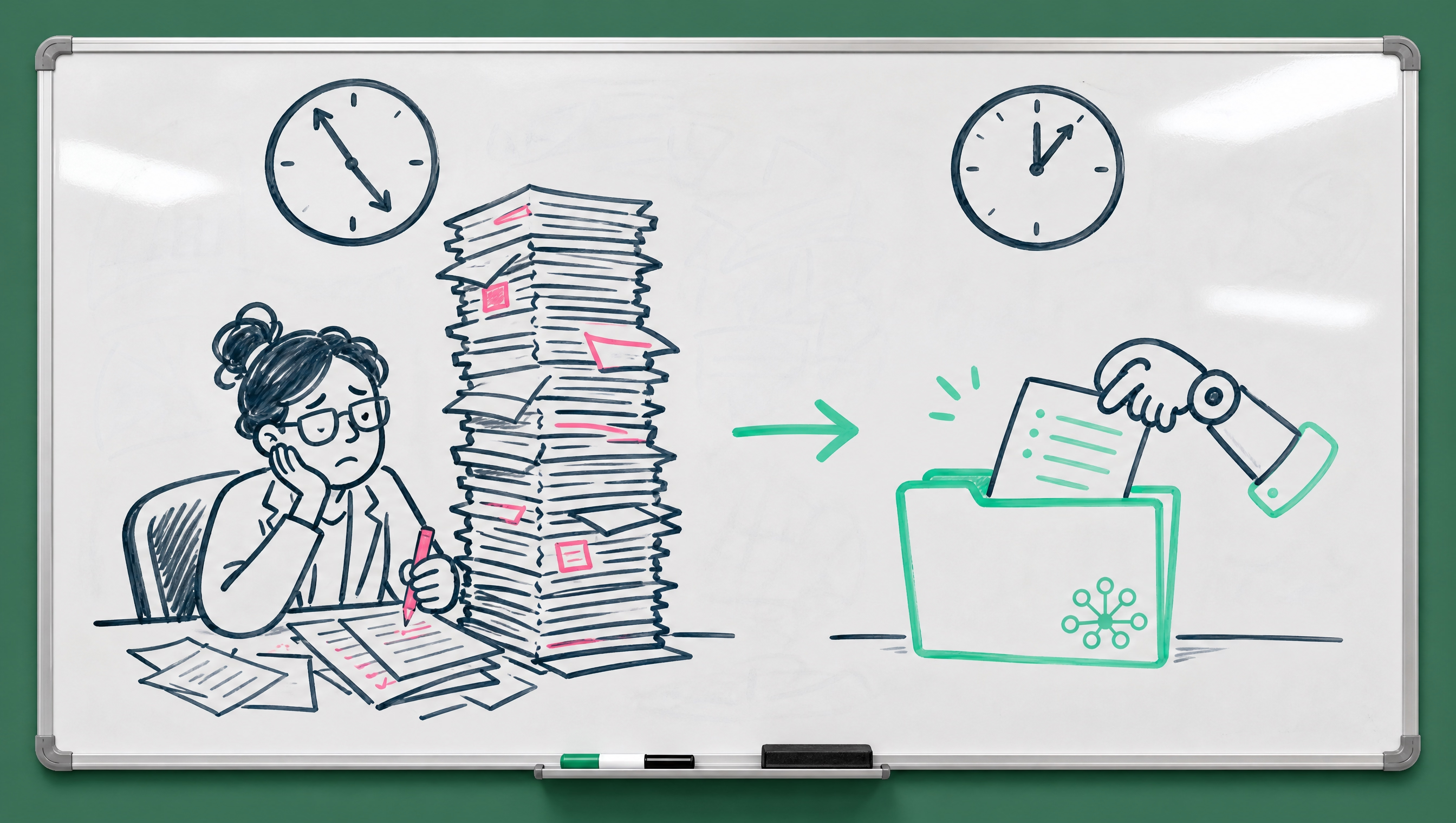
If you've ever spent a Friday afternoon copying numbers from one system into another so Monday's reports look right, you already know exactly the kind of task this article is about. You didn't get into cannabis to become a data entry specialist. But here you are, and you're not alone in that.
What Claude Cowork Actually Is
Claude Cowork is Anthropic's AI tool for hands-on knowledge work. It's built to work directly with your files, folders, and connected apps, reading, editing, and producing real outputs, rather than just chatting with you about what you should do next. You describe the task. Claude plans it out, runs it, and hands you back something finished: a document, a spreadsheet, a deck.
How It's Different From Claude Code
Anthropic pitches its earlier developer tool, Claude Code, as built for writing and shipping software. Cowork takes that same underlying approach and points it at everyday office work instead: research, analysis, document creation, and other tasks that don't involve code at all. If Claude Code is for the engineering team, Cowork is for everyone else, the ops manager, the compliance lead, the person who owns the Monday report nobody else wants to build.
Where It Runs
Cowork can run on desktop, and web and mobile access are in beta. Some tasks run in the cloud on Anthropic's own servers in an isolated environment, which means work can keep going even after you close your laptop. When a task needs something specific to your machine, like a local file or your browser, it reaches that through the desktop app instead.
What Makes It Different From a Regular Chat Window
In a normal AI chat, you ask a question and get an answer back. You still have to go do the work yourself. With Cowork, Claude has permission to read, edit, and create files in folders you specify, and it shows you each step along the way: the files it opens, the tools it uses, the choices it makes.
You Can Steer It Mid-Task
You can redirect Cowork mid-task if it's heading the wrong direction, but you don't have to hold its hand through every single step the way you would with a junior employee's first week. It also runs as a working session, not a single response. You can start a task at your desk, check progress from your phone, and pick it back up later.
Scheduled, Recurring Work
Some tasks can even run on a schedule, daily, weekly, or monthly, so you come back to finished work waiting for you instead of starting from a blank page every time. Think about the reports you build the same way, on the same schedule, every single week. That's exactly the category this fits.
Where This Actually Applies in a Cannabis Operation
Think about where data entry eats time in your business right now:
- Turning a customer's text-message order into a clean line-by-line sales order
- Reconciling numbers between your POS, your books, and your compliance system
- Pulling last week's sell-through data into a report your team actually reads before a Monday meeting
- Cleaning up a vendor's messy spreadsheet before it can go anywhere near your inventory system
- Turning a stack of scanned receipts into a structured expense report
Why These Tasks Specifically
None of that is glamorous work, and none of it requires a person's judgment once the pattern is set. That's exactly the category of task tools like Cowork are aimed at: reorganizing files, turning receipts and notes into structured data, producing a first draft from scattered inputs. Anthropic has shown off use cases like turning receipt screenshots into expense spreadsheets and producing first drafts from notes scattered across a desktop, which maps almost directly onto what a cannabis back office deals with weekly.
A Version of This Already Live in Cannabis Software
You don't have to imagine this working in a cannabis-specific context. Distru's AI Order Agent already does a version of it for wholesale orders: buyers send orders however they always have, text, email, spreadsheet, even a photo of a handwritten list, and the agent turns that into a clean sales order, checking it against inventory and flagging anything that won't fill. A rep still reviews it before it ships. Customers using it save 40+ hours a week versus typing every line by hand. It's a narrower job than what Cowork does, but it's the same underlying idea: hand off the typing, keep the judgment.
The Catch You Should Know About
Cowork is still early, and Anthropic has been direct about the fact that it needs access to your files and connected apps to actually function, and that access should be scoped carefully.
Start Narrow, Then Expand
Don't hand a new AI tool the keys to your entire operation on day one. Give it a narrow, well-defined task, watch what it does, and expand from there. That's not a knock on the tool, it's just how you'd bring on anyone new handling sensitive business data, human or otherwise. Anthropic itself recommends monitoring for unexpected behavior and being cautious about which websites and files a tool like this can touch, especially anything containing sensitive information.
Will It Replace Your Data Entry Person?
Probably not entirely, and probably not soon. But it can absolutely take the repetitive, rule-based part of that job off someone's plate, freeing them up for the parts of the work that actually need a person: catching the exception, calling the vendor, making the judgment call. That's the more honest way to think about it than "replace."
What Changes for the Person, Not Just the Task
The operators who get ahead of this aren't the ones panicking about job loss or the ones ignoring it entirely. They're the ones figuring out now which repetitive tasks are worth handing off, so their team's time goes toward the work only a person can do, like catching the order that doesn't fit the pattern or the customer relationship that actually needs a phone call.
How to Pilot This Without Betting the Farm
You don't need a company-wide rollout to find out if something like this is worth it. A small, controlled pilot tells you more than any vendor demo ever will.
Pick One Recurring Task
Choose something that happens on a schedule, like a weekly sell-through report or a monthly reconciliation, rather than a one-off project. Recurring tasks make it easy to compare the AI-assisted version against the way you've always done it, week over week.
Keep a Person in the Loop for the First Few Rounds
Have someone review the output before it goes anywhere near a customer, a regulator, or your books. This isn't about distrust, it's about learning where the tool is reliable and where it needs a second set of eyes, the same way you'd onboard any new process.
Track the Actual Time Saved, Not the Vibe
Write down how long the task used to take and how long it takes now, including the review step. A tool that "feels" faster but doesn't actually save time once you factor in checking its work isn't worth keeping. A tool that quietly saves two hours a week, every week, adds up fast.
Not sure where to start? Talk to Distru about your current workflow and we'll help you spot where the busywork actually lives.


