


Cannabis buyers don't order in clean, structured formats. They text. They email. They send spreadsheets, PDFs, and photos of handwritten lists. Sometimes they call it in. And every one of those orders has to end up as a clean, line-by-line sales order in your system before anything ships.
For most cannabis brands, that turns into a sales rep sitting at a screen, retyping. Hundreds of line items a week, typed by hand. Reps acting as data-entry clerks instead of selling. Big orders that should ship same-day pile up. Mistakes creep in. The whole thing slows down.
This is the gap AI is finally good enough to close. AI order automation can read an order in any format a buyer sends, match the line items to your menu, and populate a checkout cart with no manual retyping in between. Distru built the AI Order Agent to do exactly that for cannabis brands.
Your rep hands it an order in whatever format the buyer sent it. The Agent reads it, matches each line to a product on your menu, and populates a checkout cart with line items and quantities. Once the cart's populated, your rep can refine it by typing into a chat or speaking into a mic. Review, fix anything that needs a second look, and submit. Done.
Watch Us Turn Texts, Emails, Images, PDFs, and CSVs into Fully Populated Checkout Carts
What Is the Distru AI Order Agent?
The AI Order Agent is an order processing tool built into DistruCommerce. Your rep hands it an order in whatever format your buyer sent it: pasted text, spreadsheet, PDF, or photo, and the Agent reads it, matches each line to a product on your menu, and populates a checkout cart.
It lives inside DistruCommerce. Your rep opens it from the button in the bottom-right corner of the menu, gives it the order, reviews the cart, and submits. Anything the Agent does runs on your existing inventory rules, pricing tiers, and customer setup. It's not a separate system. It's a faster way to get orders into the system you're already using.
The Agent is built for brands and distributors. Buyers don't see anything new on their end and they keep sending orders the way they always have. The seller side is what changes.
The Problem It Solves: Buyers Won't Change How They Order

Cannabis is full of vendors who've spent real money on online menus their buyers refuse to use. The buyer doesn't want another login. They don't want to learn another portal. They've been ordering the same way for years and they're going to keep doing it.
So orders show up in every format imaginable. A long text message. An email with the order in the body. A spreadsheet attached to that email. A PDF order form. A photo of a handwritten list. Sometimes it's a phone call where the rep types the order out as the buyer talks.
Whatever the format, the order eventually has to become a sales order in DistruCommerce. That's where the friction hits.
Why your online menu hasn't fixed this
You can have the best menu in the industry. If half your buyers won't use it, your reps are still re-keying every order they don't place themselves. The menu isn't the problem. Buyer adoption is.
That's where the costs add up. Reps stuck on admin work they hate. Order entry errors that cause picking mistakes and returns. Slow turnaround on big orders that should ship the same day. Lost upsell opportunities because the rep is too heads-down typing to actually talk to the customer. New hires taking weeks longer to get up to speed because half their training is navigating the order entry process, not selling.
How a sales rep actually uses it
The flow is the same regardless of format.
- Your rep opens the AI Order Agent from the button in the bottom-right corner of the menu.
- They hand it the order in whatever format the buyer sent it: paste text, upload a spreadsheet, upload a PDF, or upload a photo.
- The Agent reads the order, matches each line to a product on your menu, and populates the cart with line items, quantities, and any notes it picked up.
- The rep reviews the cart, fixes anything the Agent got wrong, and submits the order.
That's the whole loop. The rep didn't type a single line item. They reviewed and clicked.
What sales reps can send the Agent
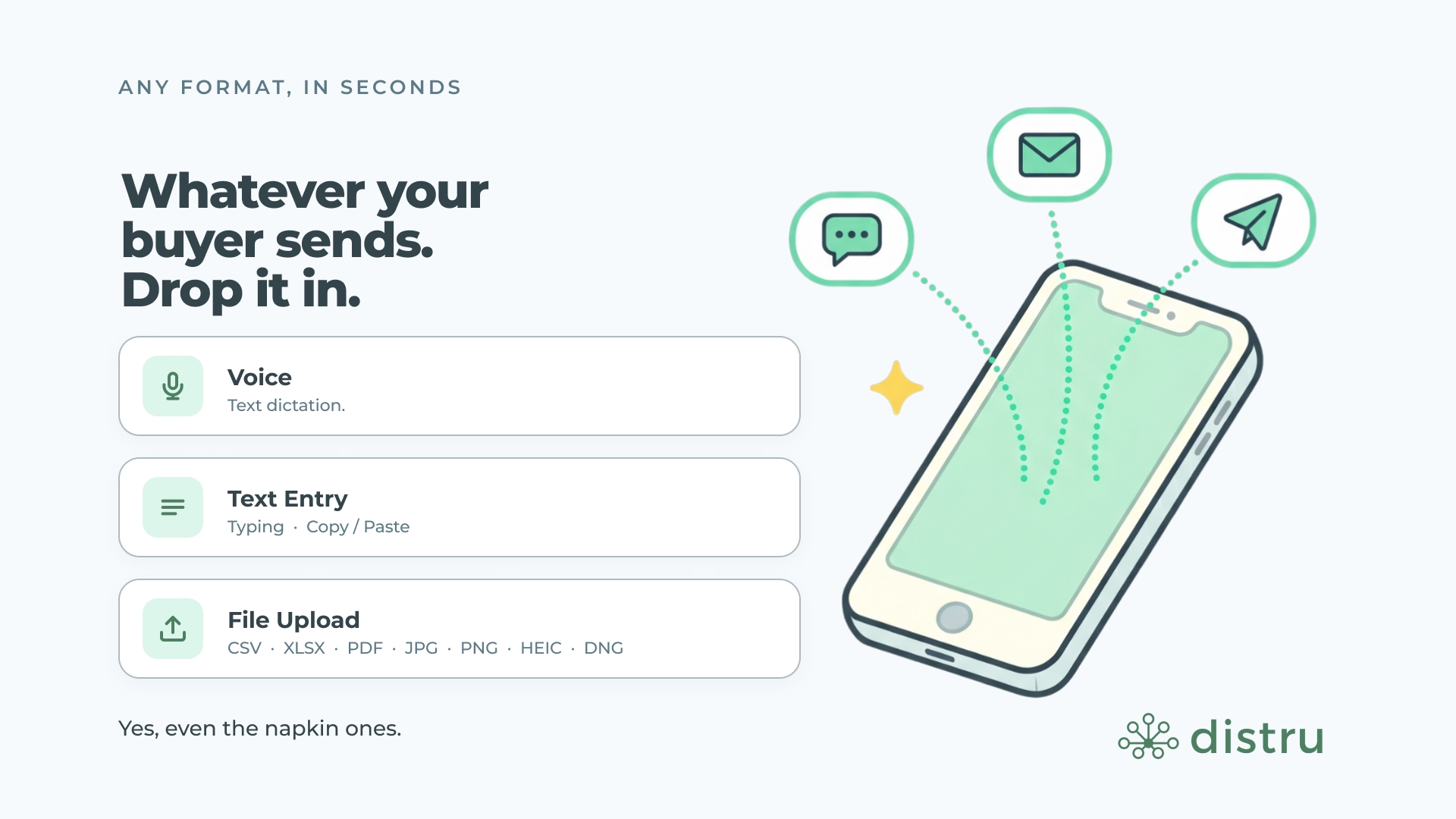
The Agent accepts orders in any of these formats:
| Format | What it covers | Best for |
|---|---|---|
| Pasted text | Body of a text message, WhatsApp message, email, or any written order | Buyers who text or message orders inline |
| Spreadsheet upload | CSV or Excel files | Buyers with recurring order templates |
| PDF upload | Purchase orders, printed sheets, anything readable | Buyers sending formal POs or order confirmations |
| Image upload | Photos of handwritten notes, screenshots, paper order forms | Buyers in slower-tech markets, or anyone sending order pics from a phone |
If the buyer didn't use your product naming conventions, the Agent surfaces the closest matches from your menu. Your rep confirms or swaps each suggestion before submitting.
Refining the Cart With Chat
Once the Agent has populated the cart, your rep can keep working with it conversationally. They don't have to drop into the UI to make every change by hand. From the chat, they can:
- Adjust quantities
- Add or update line-item notes
- Add or remove trade samples
- Override prices on a line
- Add or remove products from the cart
The Agent applies cart updates one change at a time, which keeps it reliable on large orders, even carts with 100+ line items.
One thing worth noting: the Agent only changes line items. It doesn't touch customer details or order-level fields like delivery date, billing address, or payment terms. Those stay under your rep's manual control.

Voice Commands: Edit the Cart by Speaking
Reps don't have to type to refine the cart. Anything they can say in chat, they can say out loud using the mic button.
The Agent picks up the command, applies the change, and the cart updates. Same workflow either way, just hands-free, a real win for reps building orders while they're on the phone with a buyer or walking around the warehouse.
Voice is a refinement tool, not a way to place an entire order from scratch. The Agent still reads the original order from the format your buyer sent it in. Voice is for the cleanup
step after the cart's populated.
AI Memories: It Gets Smarter With Every Order
The Agent learns your preferences over time. When it gets a product match wrong, your rep can click thumbs down, tell it why, and it stores that as a memory. The next time that vendor or situation comes up, it adjusts.
Memories are stored per account and can be viewed, edited, or deleted from the settings page in Distru. Your rep can always see what the Agent has learned and correct anything that shouldn't carry forward.
This is especially useful for buyers who use their own shorthand or internal product names. The Agent doesn't need to figure it out from scratch every time. It gets it right faster the more you use it.

Validation and Guardrails
Before the Agent applies any change, it checks it against your menu and inventory. The Agent doesn't bypass your rules. It works within them.
| What the Agent checks | What happens if the check fails |
|---|---|
| Quantity vs. available stock | Agent flags the line instead of overselling. The cart isn't changed if the request exceeds what's available. |
| Trade samples on/off | If trade samples are off in your menu settings, the Agent rejects the request. |
| Sold-out products | Sold-out items are flagged in the dropdown and outlined in the cart so your rep can see immediately they need to be removed or swapped. |
| THC level conflicts | A line can't be added at the same THC level as another line already in the cart. The dropdown disables products already in the cart. |
The pattern across all four: the Agent flags problems and lets the rep decide. It doesn't quietly oversell, double-add, or override your menu settings.
What Your Rep Sees on the Page
A few UI details that make the workflow feel cleaner:
- Yellow attention outlines. Cart items that aren't ready to add: missing product, missing quantity, over-available, sold out, get a yellow outline plus an inline tooltip. The outline clears as soon as the field is fixed.
- Available quantity in the THC dropdown. When a product has multiple THC levels, the dropdown shows available quantity per level as secondary text, so the top-level sum doesn't mislead anyone.
- Back to top button. Carts with at least 8 items show a Back to Top button so reps can jump up without scrolling through a long order.
- Order Totals at the bottom. Carts with at least one item show the Order Totals section under the cart items on desktop in addition to the sidebar.
- "Start new order" stays in the chat. Clearing the cart doesn't kick the rep back to the DistruCommerce home page.
What Customers Are Already Saying
Sako at Kanep Group LLC has been running real orders through the new version since beta:
"It hasn't missed once. The wording is different and it's getting all the fuzzy matching to a T, which is really impressive."
"It's even catching the prices changing, which is awesome."
"I've got nothing to criticize at all. You guys knocked it out the park."
"That's like going from dial-up to cable internet."
"I'm 99% sure that next time we talk, this is going to be a normal thing being used."
He also flagged a value prop worth noting: he's a new rep on his team who's never done manual order entry. He plans to track how quickly she gets up to speed using the Agent versus learning the old way. Less time learning the software. More time selling.
Who the AI Order Agent Is For
The Agent is built for cannabis sellers using DistruCommerce. Specifically, the teams spending the most time re-keying orders.
Best fit:
- Cannabis vendors with an active DistruCommerce account
- Distributors with high volume of sales rep-generated orders
- Vendors whose buyers refuse to adopt online ordering or won't create a login
- Multi-state operators dealing with order chaos across markets
- Teams onboarding new sales reps who need to get productive fast
Not a fit (yet):
- Vendors not using DistruCommerce
- Vendors whose orders are 100% buyer-generated (your buyers are placing their own orders; you don't need this)
- Buyers themselves. The Agent is for the seller side; buyers can still place orders directly through your menu like normal
Pricing and Availability
The AI Order Agent is free and included with DistruCommerce. There's no add-on cost.
Access is enabled per user, so individual reps and ops folks on your team get it turned on as you ask for them. The Agent is currently rolling out in California and New York first, with broader availability in progress.
If you're already on DistruCommerce and want your team on it, reach out to your CSM or support and they'll turn it on.
How the AI Order Agent Fits Into the Bigger DistruCommerce Story
DistruCommerce gives your buyers an online menu to order from directly. That works great for the buyers who are ready to order online. The AI Order Agent is the bridge for everyone else.
For buyers who'll never adopt online ordering, your reps process those orders through the same menu, with the AI Order Agent doing the heavy lifting on data entry. You get one source of truth for orders, no matter how the buyer prefers to send them in. Whether the order came in as a buyer-generated order or got processed by a rep through the Agent, it ends up in the same place, on the same menu, against the same inventory.
It's also a quiet wedge for buyer adoption. Once a buyer sees their order showing up cleanly in DistruCommerce a few times, the conversation about them placing their own next order gets shorter. The friction the buyer was avoiding is mostly imaginary at that point.
The Bottom Line
The Distru AI Order Agent is built for cannabis brands whose buyers won't change. It reads orders in whatever format they show up in and fills your DistruCommerce cart for you. Reps stop typing. Big orders that used to take an hour get done in minutes. Mistakes from manual entry drop. New reps ramp faster. The team gets back to selling.
If you're already on DistruCommerce, ask your CSM to turn it on for your team. If you're not on DistruCommerce yet, this is one of the reasons to take a look.
.avif)


