

This guidance applies to Metrc (New York) and was issued with the New York Office of Cannabis Management (OCM) under bulletin NY_IB_0010. It explains the updated transfer variance rule (a 5% limit between shipped and received quantities), how to properly receive incoming transfers in Metrc, how to correct discrepancies after receipt, and how to return unwanted overages back to the originating facility using a new Package UID and a new transfer.
Bulletin summary: New York transfer variance limit
Metrc is reducing the allowed variance between the quantity shipped on a transfer and the quantity received into inventory. Licensees must explicitly confirm acceptance when the variance is within the allowed range, and Metrc will not allow acceptance when the variance exceeds the limit.
Practical impact on day-to-day receiving operations
This change tightens receiving tolerance, which means receiving teams need to verify counts before clicking “Receive” and be prepared to coordinate quickly with shippers if quantities do not align.
How to accept an incoming transfer in Metrc (New York)
To receive product into your New York facility inventory, you will use the Transfers area and receive each incoming package into your account.
Important: Under this bulletin, variances over 5% cannot be accepted into inventory.
Handling discrepancies after you already accepted inventory
If you accepted a package and later discover the package quantity in Metrc does not match the physical count, the bulletin instructs licensees to adjust the package to match what is physically on hand.
Adjusting a package to match physical inventory
Operationally, this is a key control point: accurate adjustment reasons and detailed notes help demonstrate good-faith compliance during audits and OCM reviews.
How to return unwanted overages to the originating facility
If you receive an incoming transfer and discover there are more units than requested, the bulletin’s process is to accept first (so the inventory exists in your account), then separate the unwanted quantity into a new Package UID, and finally create a new transfer back to the originating facility.
Step 1: Accept the incoming transfer (even if it’s wrong)
To initiate a return in Metrc, you must first receive the incoming inventory into your account.
Step 2: Create a new Package UID for the amount you will return
After creating the new Package UID, physically place the return quantity into an appropriate container and apply the new Package UID label to that container so the physical product matches Metrc.
Step 3: Initiate and register a new transfer back to the sender
This process keeps the chain of custody clean in Metrc by ensuring returns move as trackable packages, not informal “off-system” corrections.
Labeling implications: Package UID and Metrc Retail ID
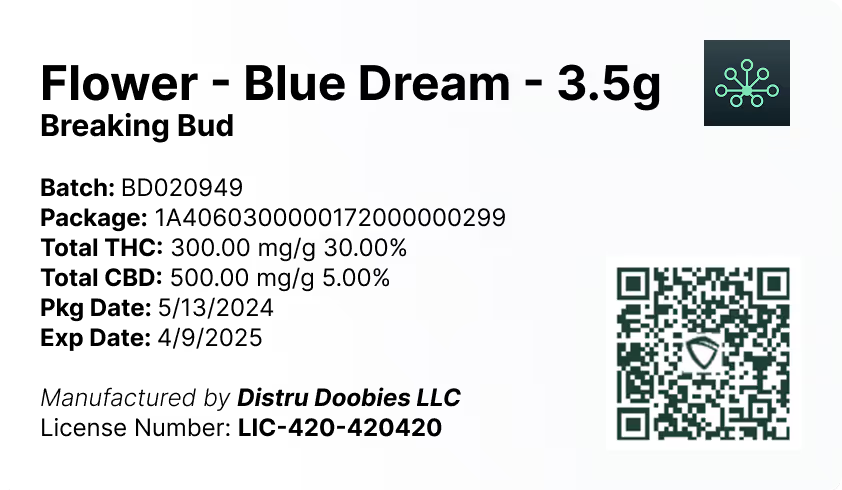
This bulletin’s return workflow requires creating a new Package UID and physically labeling the return container accordingly. That makes reliable label printing a day-to-day compliance requirement, not an administrative afterthought.
DistruLabels is a 100% free tool for creating compliant packaging and retail labels, and it can support operations working toward consistent Metrc Retail ID labeling and traceability expectations. Using a dedicated label tool helps teams quickly generate accurate labels when repackaging for returns, reducing mislabels and inventory mismatches.
For larger operators who need broader controls beyond labels (inventory, purchasing, sales, production, and end-to-end traceability workflows), DistruERP is Distru’s comprehensive Cannabis ERP platform designed for complete supply chain management.
Metrc support and training resources (as referenced in the bulletin)
If you need help executing these steps in the Metrc system, Metrc points licensees to the following resources:
When accessing the support portal for the first time, be prepared to provide your state selection, facility license number, and a valid email address to establish credentials.


