

This bulletin applies to Metrc (Massachusetts) and explains how licensed cannabis operators should mark packages as Trade/Vendor Samples and then register a new Vendor Sample Transfer in Metrc when sending vendor samples with no monetary value. Below is a plain-language breakdown of what changed, how to complete the actions in Metrc, and what this means for day-to-day compliance and operations.
Bulletin MA_IB_0108 at a glance
Metrc, in collaboration with the Massachusetts Cannabis Control Commission, introduced a dedicated transfer type for vendor samples. Going forward, Massachusetts operators should use Vendor Sample Transfer for vendor sample movements that have $0 value.
- Bulletin number: MA_IB_0108
- Distribution date: 2/24/2026
- Effective date: Ongoing
- Core change: Flag packages as Trade Samples, then use the Vendor Sample Transfer transfer type for $0 vendor sample transfers
What counts as a vendor sample in Metrc
In the context of this bulletin, a vendor sample is a package your facility transfers to another licensed facility without monetary value. Metrc’s workflow requires two connected steps:
- Package designation: Flag the package as a Trade Sample (this is how Metrc identifies it as a sample package).
- Transfer designation: Use the Vendor Sample Transfer transfer type when registering the shipment.
How to flag a package as a Trade Sample (Packages Grid)
Metrc uses a Trade Sample flag to designate that an entire package is intended as a trade/vendor sample.
- Open the Packages Grid in Metrc.
- Select the package you want to treat as a trade/vendor sample.
- Open the Trade Sample dropdown option.
- Choose Flag to mark the entire package as a trade sample.
Once flagged, Metrc visually identifies the package as a trade sample (shown in the interface with a trade-sample icon next to the package).
Important compliance rule: After a trade sample package has been transferred to another facility, the trade sample indicator cannot be unflagged. Operationally, this means teams should confirm the correct package and quantity before flagging and transferring.
How to register a Vendor Sample Transfer in Metrc
After the package is flagged as a Trade Sample, register the shipment using the new Vendor Sample Transfer type.
- Go to the Packages Grid and select the Active tab.
- Select the flagged Trade Sample package you intend to ship.
- Choose New Transfer.
- In the New Transfer window, select Vendor Sample Transfer as the transfer type.
- Complete all other required transfer fields, including destination, planned route, departure and arrival times, and transporter information.
- Select Register Transfer to finalize the transfer.
When to use (and not use) Vendor Sample Transfer
This bulletin is explicit that the Trade/Vendor Sample transfer type should only be used when the transfer contains packages that:
- Are flagged as Trade Samples, and
- Require no monetary value for the transfer
Practically, that means your team should avoid mixing sample and non-sample commercial inventory in a way that creates confusion about value, pricing, or documentation expectations. If a package is not truly a $0 vendor sample, it should be transferred using the appropriate standard transfer type and business process for that transaction.
Practical implications for daily cannabis operations
1) SOP updates for inventory and compliance teams
Massachusetts operators should update internal SOPs so staff consistently perform the two-step workflow: flag as Trade Sample first, then register as Vendor Sample Transfer. This reduces the risk of misclassified transfers during audits or inspections.
2) Preventing irreversible flagging mistakes
Because the Trade Sample indicator cannot be removed after the package is transferred, operators should add an internal verification step before shipment (for example, confirming the package label, item, and quantity match the intended sample program).
3) Clear separation of $0 samples from revenue inventory
Using the correct transfer type helps keep $0 vendor samples cleanly separated from revenue transactions in operational reporting, reconciliations, and compliance reviews. This also supports consistent data downstream in connected systems (POS, ERP, accounting, and reporting).
Labeling and Metrc Retail ID considerations
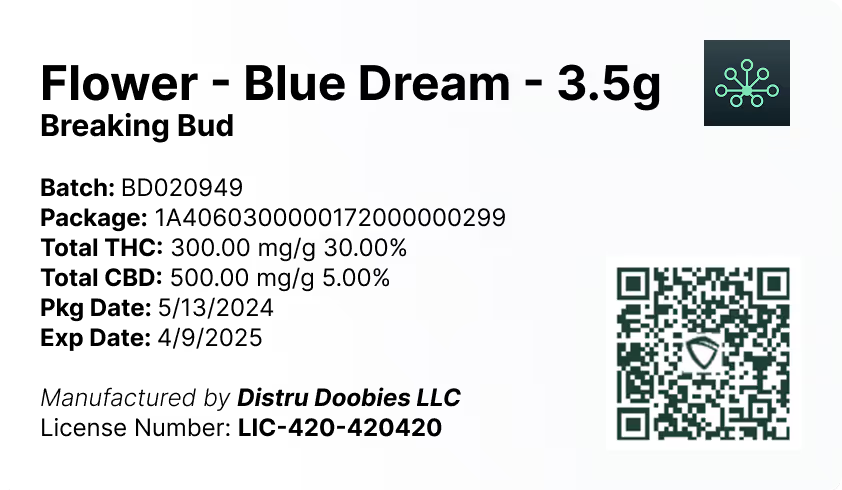
Even when a transfer has no monetary value, the package still needs to be correctly identified and traceable. Accurate labeling supports operational accuracy and can reduce receiving errors at the destination facility.
DistruLabels is a 100% free tool for creating compliant packaging and retail labels. It can help teams standardize label outputs and support Metrc Retail ID compliance by ensuring the right identifiers are represented consistently on labels used in day-to-day workflows.
For larger, multi-department operations that need deeper integration across purchasing, production, inventory, sales, and fulfillment, DistruERP is Distru’s comprehensive Cannabis ERP platform designed for complete supply chain management while supporting compliant operations.
Where to get help: Metrc Support and training resources
If your team needs assistance with Trade Sample flagging or the Vendor Sample Transfer workflow, Metrc provides several support channels referenced in the bulletin:
- Metrc Support portal (Service Cloud): https://support.metrc.com
- Metrc Learn training: Metrc’s learning platform with facility-specific training programs and courses
- Additional resources inside Metrc: Use the Support dropdown in the Metrc navigation toolbar to access guides and manuals
- Metrc API Support (for integrators/TPIs): api-info@metrc.com
Keeping Metrc workflows aligned with current bulletins is a practical way to reduce compliance risk, prevent transfer errors, and keep inventory records inspection-ready in Massachusetts.


