
Last updated: November 24, 2026
Cannabis route planning means building delivery runs that are legal first and efficient second. Every stop needs its own Metrc transfer manifest with the right driver, vehicle and arrival time, so your route and your paperwork have to come from the same plan. Distru, a cannabis ERP built for licensed brands and distributors, builds those manifests straight from your sales orders.
It’s 7:45 AM and your van is supposed to leave at 8. One order got edited last night, so the package list on the manifest doesn’t match what’s on the pallet. Your driver is waiting. Someone is retyping tag numbers into Metrc. And the dispensary at stop three just texted asking where their delivery is.
That’s what route planning looks like when routes live on a whiteboard and manifests live somewhere else. Here’s how to plan routes that hold up to an audit, and the tools that keep your orders, manifests and drivers on the same page.
Why Is Cannabis Route Planning Different?
A regular delivery company plans for speed. You have to plan for compliance first. Every package carries a Metrc tag, every handoff needs a manifest, and every manifest has to match what’s physically in the vehicle.
A few rules shape every cannabis route:
- One manifest per destination. Metrc transfers only go between two locations. If your driver has five stops, you need five transfers, each with its own estimated arrival time, according to Metrc’s wholesale transfer best practices bulletin.
- Driver and vehicle details on every manifest. That includes the vehicle’s make, model and plate, plus the driver’s name and license. Metrc lets you save these so you don’t retype them each time.
- No edits to a package list once a transfer exists. If an order changes after the manifest is created, you usually need to fix the transfer in Metrc before the van leaves. Metrc’s Minnesota transfers bulletin lists the most common errors.
- State-specific transport rules. Delivery windows, vehicle security and how much product can ride in one vehicle all vary by state. In California, the Department of Cannabis Control sets the rules for licensed distributors.
Rhode Island’s transport manifest guidance is a good example of how detailed this gets. Product, licenses, driver, vehicle, route and timestamps all have to line up.
How to Plan Cannabis Delivery Routes, Step by Step
Step 1: Lock Orders Before You Build the Route
Most manifest problems start with an order that changed after the route was set. Pick a daily cutoff for order changes, then build routes from confirmed orders only. Anything that comes in after the cutoff goes on the next run.
Step 2: Group Stops by Area and Delivery Window
Cluster stops by geography, then check each retailer’s receiving hours. A dispensary that only takes deliveries from 10 AM to 2 PM can wreck an otherwise efficient loop. Put the strict windows first and fill in the flexible stops around them.
Step 3: Build Your Compliance Limits Into the Route
Before you think about drive time, check your state’s limits on vehicle value, hours and storage. Plan secure stops, avoid unplanned detours, and leave buffer time at each location for receiving checks. A route that saves 20 minutes but breaks a transport rule isn’t a better route.
Step 4: Create One Manifest per Stop From the Order
Each stop gets its own transfer with the right packages, driver, vehicle and estimated arrival time. The fastest way to get this right is to build the manifest from the sales order itself instead of retyping it. That way the package list on the manifest is the same list your warehouse picked.
Step 5: Pick, Scan and Load in Reverse Stop Order
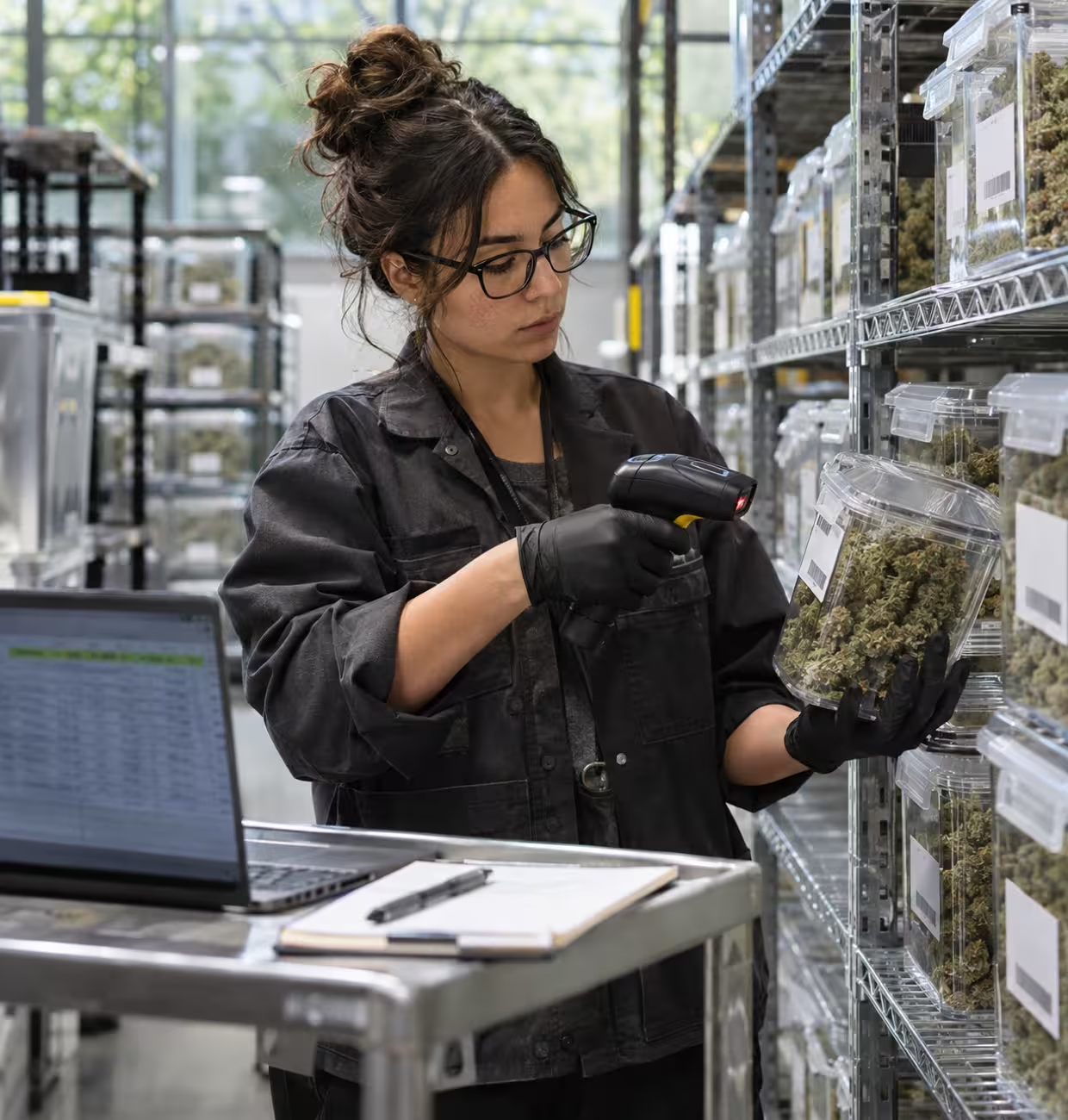
Pick each order against its manifest and scan package tags before anything goes in the van. Load the last stop first so your driver isn’t digging through cases at stop two. A quick tag check at the dock catches most mismatches before they become a rejected delivery.
Step 6: Close the Loop When the Delivery Lands
Once the retailer receives the transfer, mark the order delivered and send the invoice the same day. If a retailer rejects part of a delivery, record it right away so your inventory and Metrc don’t drift apart.
How Distru Connects Orders, Manifests and Metrc
Distru doesn’t try to be a GPS. It makes sure the paperwork behind every route is right. Here’s how the workflow runs in Distru:
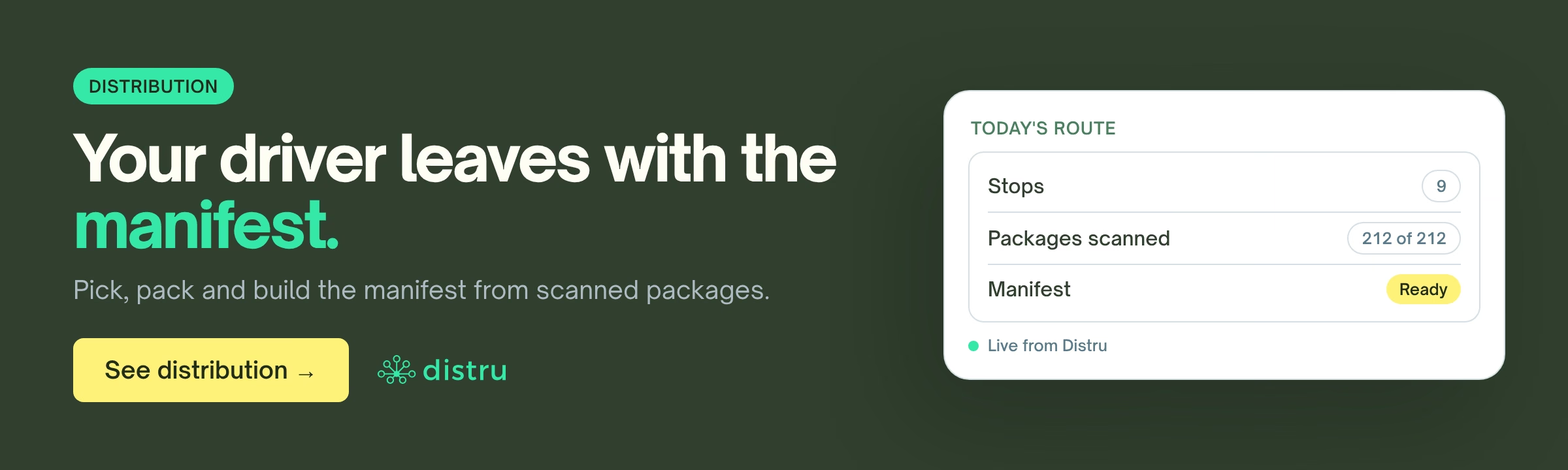
- Orders become manifests. You create a shipping manifest from the sales order and shipment, with driver and vehicle details pulled from your saved list.
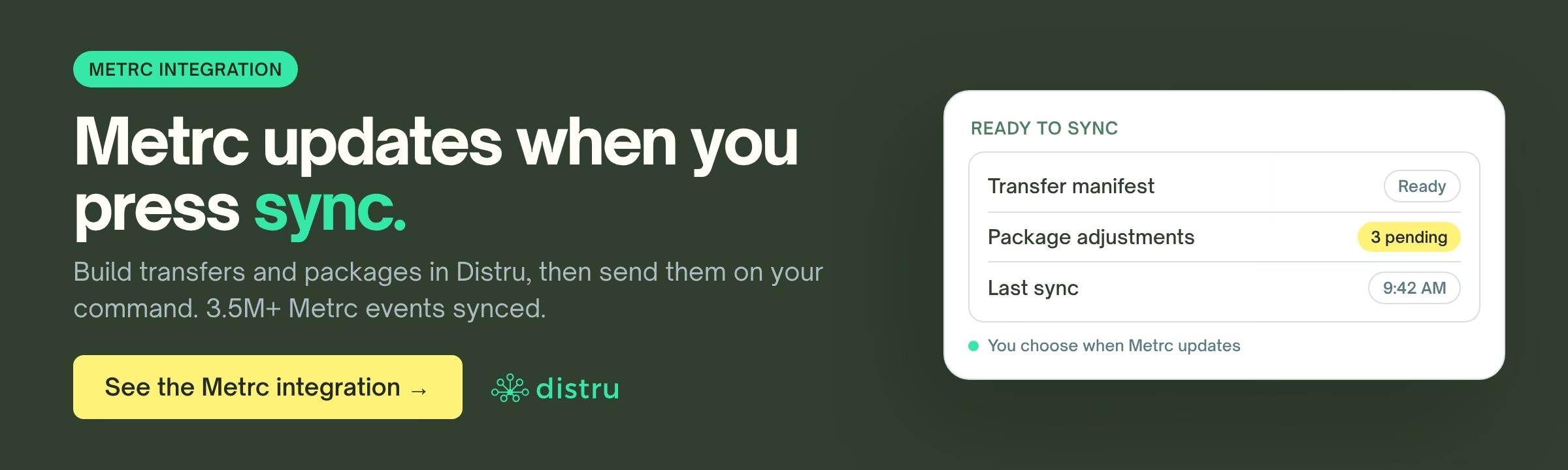
- Transfer templates go to Metrc on your command. Distru pushes the sales order to Metrc as a transfer template and keeps it updated if the order changes. You use the template to register the transfer in Metrc.
- Delivered orders match automatically. Once the transfer exists in Metrc, Distru matches it to the sales order and marks it delivered. If someone changes the package list in Metrc, Distru unmatches it so you catch the mismatch.
- Inventory stays live. Distru checks Metrc 3 to 40 times every second, so the inventory you sell from already reflects holds and packages on other manifests.
For turn-by-turn routing and live driver tracking, pair Distru with a delivery routing tool. Onfleet, for example, lists Distru among its cannabis integrations. Distru keeps the orders, inventory and manifests right. The routing tool handles the drive.
That setup is used by 450+ Distru customers across 30+ states, and it’s processed more than $10B in wholesale sales. On average, Distru customers save 2,000+ hours a year.
What to Look for in Cannabis Distribution Route Software
Whatever tools you pick, check them against this list:
- Manifests built from orders. If your team retypes packages onto manifests, errors are only a matter of time.
- A Metrc or BioTrack integration you control. You want data to sync when you choose, with clear matching between your orders and state transfers.
- Saved driver and vehicle records. These should fill in automatically on every manifest.
- Route optimization that respects delivery windows. Shortest distance isn’t the goal if it misses a receiving window.
- Proof of delivery and live tracking. Your customers want ETAs. Your auditors want timestamps.
Want to go deeper on the compliance side? Read our guide to Metrc transfer manifests and our breakdown of cannabis distribution channels.
Common Route Planning Mistakes to Avoid
- Editing orders after the manifest is built. Set a cutoff and stick to it.
- Putting multiple stops on one transfer. Metrc transfers go between two locations. Plan one per stop.
- Skipping the dock scan. A two-minute tag check beats a rejected delivery and a return trip.
- Planning routes in a separate spreadsheet. If your route doesn’t come from your orders, it’ll drift from them.
The Bottom Line
Good cannabis route planning isn’t about the shortest drive. It’s about a manifest that matches the van every time. When your orders, inventory and Metrc transfers come from one system, your routes get faster because nobody’s fixing paperwork at 7:45 AM.
Want to see it with your own orders? Book a Distru demo and we’ll walk through a sales order turning into a Metrc transfer template and a printed manifest, start to finish.