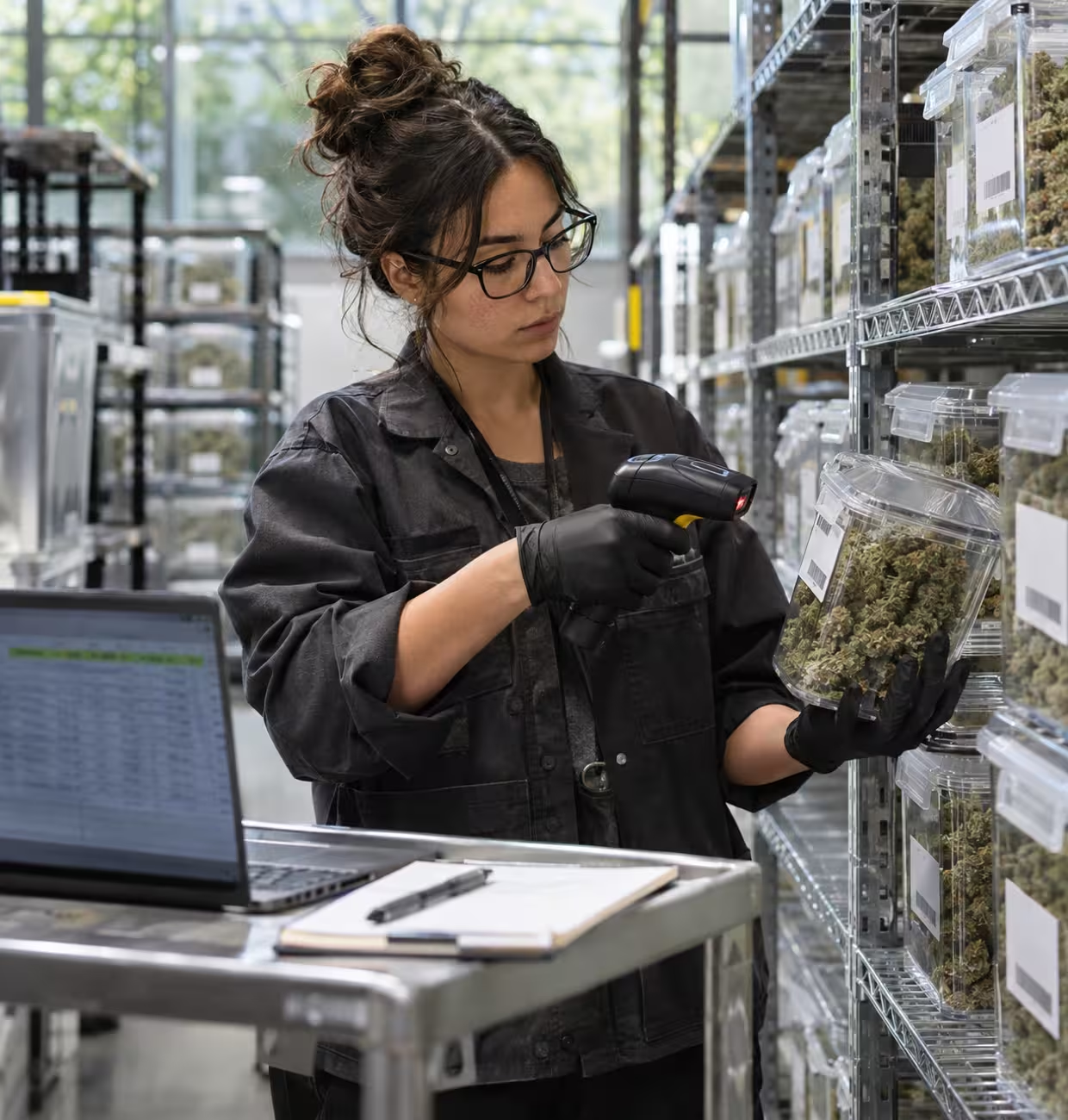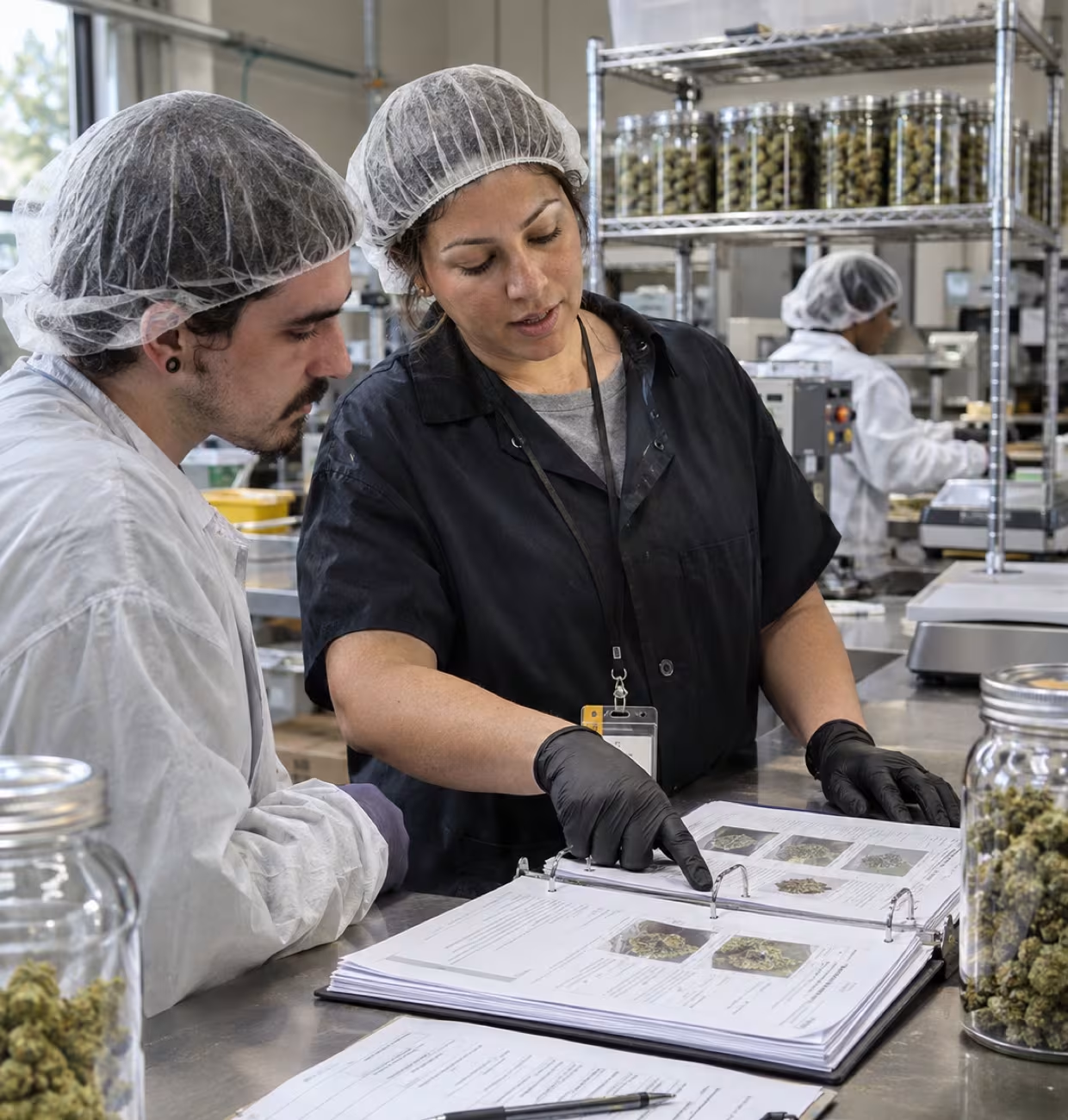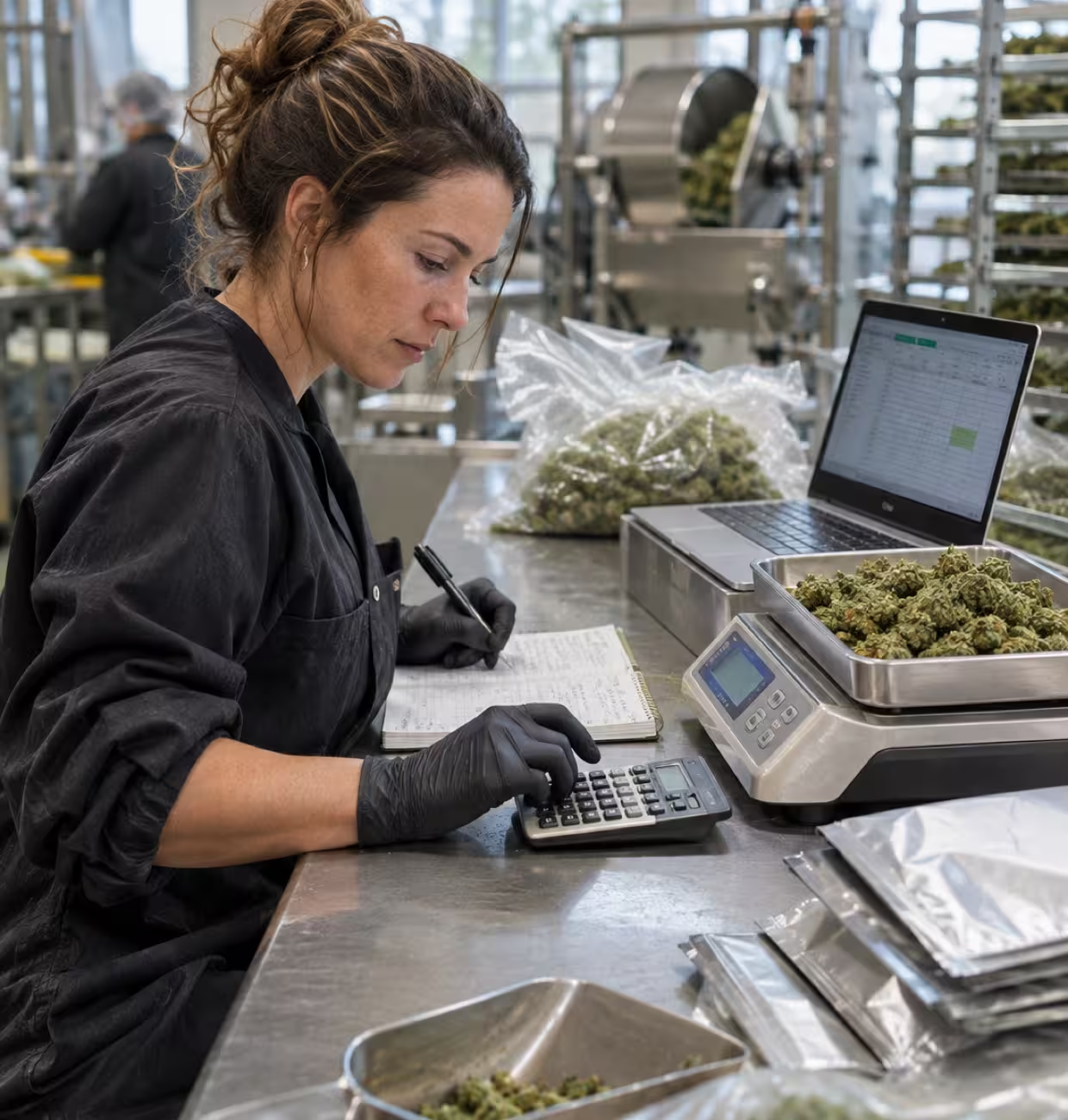

It's 4:40 on a Friday. Your packaging team just finished 300 pre-rolls, and someone has to create the new packages in Metrc, tag by tag, before Monday's truck leaves. Then they have to check that your inventory system says the same thing Metrc does. It usually doesn't.
If that sounds familiar, you're not alone. Most teams we talk to run their Metrc workflows by hand longer than they should, because it works fine at 20 packages a week. At 200 it's a part-time job. At 2,000 it's an audit finding waiting to happen.
Let's break down which Metrc workflows are worth automating, where manual entry goes wrong, and what changes when you stop keying Metrc by hand.
We put this guide together with our partners at Würk, the cannabis payroll and HR platform. Distru handles the inventory side of Metrc. Würk handles the people side: payroll, time, schedules and badges. Between us, we see both halves of every Metrc record, what moved and who moved it.
What Changes When Software Handles Your Metrc Workflows?
The short answer: it takes the typing out of Metrc. A connected system sends the work your team already does, like creating a package or building a transfer, to Metrc through the Metrc API. Nobody re-keys it.
There are two ways that connection can work, and the difference matters more than most vendor demos let on.
- One-way sync pushes data from your system to Metrc. It cuts some typing. But anything that changes on the Metrc side, like an accepted transfer or a lab result, doesn't come back. Your system drifts, and somebody reconciles it by hand.
- Two-way sync moves data in both directions. A package you build in your system goes to Metrc when your team syncs it. A transfer accepted in Metrc updates your inventory.
The API covers packages, plants, harvests, transfers, adjustments and lab results. What it can't do is fix a bad process. If the count on the floor was wrong, or the wrong person was logged in, the API just sends the wrong data faster. We'll come back to that.
For the technical side of how the pieces connect, see how Metrc integrates with your cannabis software tools.
Which Metrc Workflows Eat the Most Time?
Four workflows do most of the damage. None of them is hard on its own. They're just constant.
- Package creation. Every harvest, production run and repack needs new packages: a tag, a source package, an item, a quantity and a unit of measure. One gummy run can mean dozens of packages, each entered by hand.
- Transfers and Metrc transfer manifests. Every B2B wholesale order needs a manifest with the destination license, the driver, the vehicle, every package and its price. Get one field wrong and the retailer can reject it at the dock.
- Adjustments. Drying loss, breakage, lab samples and waste each need a reason code and a note. Skip the note and you've got a question you can't answer during an inspection.
- Sales and status updates. Accepted transfers, returns and, if you also run retail, every sale have to land in Metrc on the state's clock.
Here's the thing. Each of these lives in two places: your inventory system and Metrc. Every time your team does the work once and types it twice, you're paying for the same task two times and adding a chance to get it wrong.
Where Does Manual Metrc Entry Go Wrong?
Manual entry breaks in three predictable places. And the errors rarely show up when they happen. They show up weeks later, usually at the worst possible time.
Double entry. Your team logs a package in your inventory system, then again in Metrc, and maybe a third time in a spreadsheet. That's three versions of the truth. When they disagree, nobody knows which one is right.
Mismatched counts. Your system says 120 units of a live resin cart. Metrc says 116. Was it breakage nobody logged? A typo on the manifest? A repack that only made it into one system? Every gap like that has to be traced by hand, package tag by package tag.
Reconciliation that piles up. Small mismatches feel harmless on a Tuesday. Then an inspection gets scheduled, and someone spends two weeks rebuilding history from old manifests and adjustment notes. That's the part nobody warns you about.
If you've ever been promised a plug-and-play Metrc connection and still ended up copy-pasting package IDs at 11 PM, you know exactly how this goes.
Who Should Have Access to Metrc, and How Do You Prove It?
Only employees who hold an active badge and finished their training should be taking Metrc actions. And you prove it with records that tie every action to a person who was cleared to take it.
That's harder than it sounds. Most states require some form of agent badge, work permit or occupational license for anyone who handles product, and those credentials expire. Metrc logins aren't supposed to be shared. People join, change roles and leave every month.
An integration helps with half of this. When the work runs through your system, every package, transfer and adjustment carries a name and a timestamp. What it can't tell you is whether that person was on the clock, credentialed and cleared to do the work that day.
That's the people side, and it's where Würk comes in. Würk is a cannabis payroll and HR platform that runs payroll, timekeeping, scheduling and hiring for cannabis employers, built around state-by-state cannabis rules. It also tracks agent badges and permits for every employee, so an expired badge gets flagged before it turns up in an inspection.
Distru, a cannabis ERP with a built-in wholesale marketplace, builds every package, transfer and adjustment once and syncs it to Metrc on your team's command. Würk makes sure every person taking those actions is on payroll, holds an active badge, finished their training and lost access the day they left. With cannabis badge tracking on one side and a reviewed Metrc sync on the other, your audit trail holds up from both directions: the right data, entered by the right people.
How Do You Reconcile Metrc Against Real Inventory?
You compare your on-hand counts to Metrc package by package, on a schedule, and you investigate every gap while it's still fresh. Metrc inventory reconciliation is how you catch a problem before the state does.
Here's what that looks like in practice:
- Count the high-risk items weekly. Concentrates, carts and anything high value or easy to walk off with.
- Match by package tag, not by product name. Two packages of the same SKU can have very different histories.
- Work every discrepancy within 24 hours. Was it a missed adjustment, a manifest error or shrink? The longer you wait, the harder the answer gets.
- Log the fix with a reason code. The note you write today is the answer you give an inspector in six months.
With a two-way sync, most of this stops being a weekly project. Your system compares its records with Metrc and flags the packages that don't match, so you're working a short list of exceptions. A good Metrc integration also keeps your team working when Metrc goes down, so you sync once it's back and an outage doesn't stop your floor.

What Changes When You Stop Keying Metrc by Hand?
Your team gets hours back, audit prep shrinks, and compliance fire drills get rare. Operators on Distru save 2,000+ hours a year compared to manual and spreadsheet workflows. And most of the time the only reason to open Metrc is three buttons: accept a package, transfer a package and register a manifest.
Here's how each workflow changes:
- Creating packages. By hand, each tag, item and quantity gets typed into Metrc after the run. In Distru, packages are created once and synced when you're ready.
- Transfer manifests. By hand, they're rebuilt field by field for every order. In Distru, they're built from the sales order you already have.
- Adjustments. By hand, they're logged twice and notes often get skipped. In Distru, they're logged once with a reason code that syncs.
- Inventory counts. By hand, it's spreadsheet vs. Metrc, line by line. In Distru, mismatches get flagged for your team to work.
- Metrc outage. By hand, work stops or gets written on paper. In Distru, work continues and syncs when Metrc is back.
- Audit prep. By hand, it's weeks of rebuilding history. In Distru, records come from one system.
- Employee access. By hand, it's checked when someone remembers. With Würk, badges and training are tracked alongside the work.
That last row is the one most teams miss. Clean data only counts if the people behind it were cleared to enter it. When Würk's payroll, time and badge records sit next to your Metrc activity, you can show an inspector who was on shift, who held a valid badge and what they did. That's the people side of Metrc compliance, and it belongs in the same conversation as your software.
There's a reason scale matters here, too. Distru is the #1 Metrc integration partner by API call volume, with 3.5M+ Metrc events synced. That volume is what tells you a sync will hold up on your busiest day, not just in a demo.
Set Up Your Metrc Workflows Before You Scale
The best time to fix your Metrc workflows is before volume forces you to. Every new license, brand or retailer multiplies the packages, manifests and adjustments your team touches. If those still run by hand, headcount grows right along with them.
Start with the four workflows above. Map who touches each one today, how many times the same data gets typed, and where your last three discrepancies came from. That list tells you what to automate first.
Then do the same for the people side. If badges, schedules and payroll live in separate spreadsheets, that's the next gap an inspector will find. Würk brings them into one cannabis payroll system, so the people behind your Metrc workflows are as well documented as the workflows themselves.
If you're weighing the system that runs it all, a cannabis ERP that syncs with Metrc both ways is the backbone the rest sits on. For the full checklist of what a deep integration should cover, see our guide to deep Metrc and BioTrack integration.

Ready to see your Metrc workflows without the double entry? Schedule a demo and we'll walk through your exact process, not a canned one. Your Friday afternoons will thank you.